

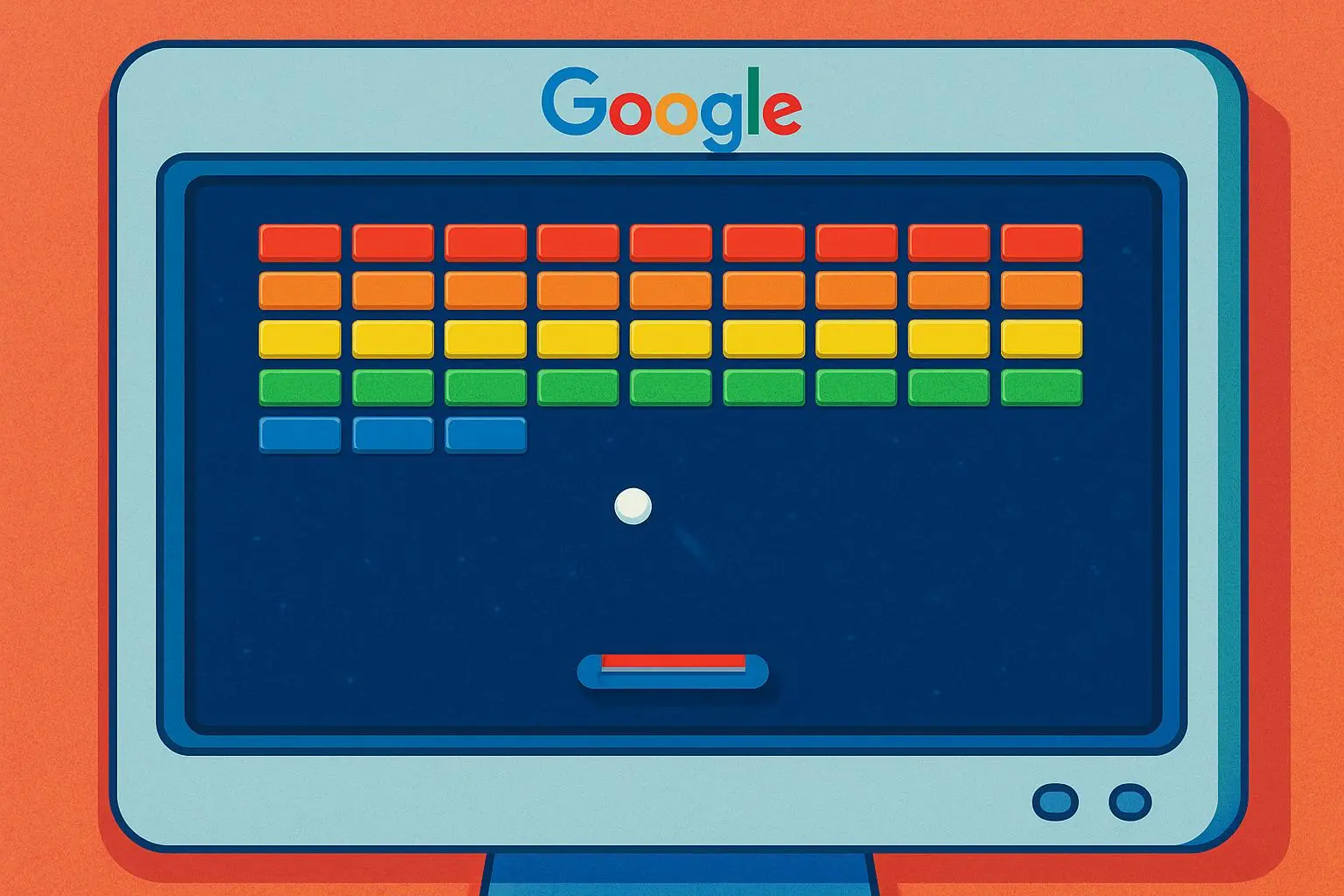
You don’t open Google expecting to play a game. You go there to solve a problem, check a fact, or answer a quick question. That’s what makes Google Block Breaker so surprising. With a single search, Google quietly turns its search page into a full arcade-style experience that feels intentional, polished, and deeply nostalgic. It doesn’t scream for attention. It simply waits to be discovered, and once you press play, it becomes difficult to stop.
At its core, Google Block Breaker taps into something timeless. It combines simplicity with challenge, familiarity with progression, and ease of access with genuine skill-based gameplay. This article explores what Google Block Breaker is, how it works, why it feels so engaging, and why such a simple game continues to hold attention in an era of complex, high-budget gaming.
Quick Overview: What Is Google Block Breaker?
Google Block Breaker is a free, browser-based arcade game built directly into Google Search. When you type “Google Block Breaker” into the search bar, Google displays an interactive game card that launches a brick-breaking game inspired by the classic arcade title Breakout. There is no installation, no sign-in process, and no loading delay beyond a few seconds. The game runs smoothly on desktop and mobile devices and can be played instantly.
The gameplay is straightforward. You control a horizontal paddle at the bottom of the screen, bounce a ball upward, and destroy rows of colored blocks. As you clear blocks, your score increases, new levels appear, and the difficulty gradually rises. While the rules are easy to understand, mastering the game takes focus, timing, and patience, which is exactly why it keeps players engaged.
From Search Tool to Arcade Game
Google has a long history of hiding playful surprises inside its products, often referred to as Easter eggs. These features aren’t designed to replace full games or compete with gaming platforms. Instead, they add personality to an otherwise functional tool. Google Block Breaker fits perfectly into this philosophy.
The brilliance lies in how seamlessly the game integrates into search. There’s no announcement or tutorial page. You search, you see a card, and you click play. That sense of discovery is part of the experience. It feels like finding something special rather than being marketed to, and that subtlety makes the game more enjoyable.
How Google Block Breaker Works (Step by Step)
To start playing, you simply search for Google Block Breaker and press the Play button on the game card. On desktop, the paddle is controlled using the left and right arrow keys. On mobile devices, you move the paddle by sliding your finger across the screen. Serving the ball is done with a key press or a tap, after which the ball remains in motion until it is lost or the level is cleared.
The objective is to destroy all blocks on the screen by bouncing the ball upward. Each level introduces new block arrangements and slightly faster ball speeds. You begin with a limited number of lives, and losing the ball costs one life. When all lives are lost, the game ends, encouraging you to start again and try to beat your previous score.
Core Gameplay Mechanics Explained

The paddle physics in Google Block Breaker are deceptively simple but deeply important. Where the ball hits the paddle determines its angle. A hit near the center sends the ball upward in a controlled path, while hits near the edges send it at sharper angles. This mechanic transforms the paddle from a defensive tool into an aiming device, allowing skilled players to target specific blocks.
Difficulty progression is handled carefully. Early levels allow players to settle into the rhythm of the game. As levels advance, block patterns become tighter and the ball accelerates. Despite this increase, the game rarely feels unfair. When you lose, it usually feels earned, which is critical for maintaining motivation rather than frustration.
Power-Ups and Game Variety
Some blocks release power-ups when destroyed, adding variety and unpredictability to the gameplay. These power-ups might increase the paddle size, add extra balls, slow the game temporarily, or create explosive effects that destroy multiple blocks at once. They appear at random, forcing players to make quick decisions about whether to chase them or maintain control.
These mechanics prevent the game from becoming repetitive. They introduce moments of chaos that contrast nicely with the otherwise controlled gameplay. Importantly, power-ups enhance the experience without overpowering it, ensuring that skill still matters more than luck.
Advanced Tips for Better Gameplay
To improve at Google Block Breaker, it helps to think ahead rather than react. Instead of simply following the ball, experienced players anticipate its trajectory and position the paddle accordingly. Using the edges of the paddle intentionally allows you to reach difficult areas of the screen and clear blocks more efficiently.
When multiple balls are in play, maintaining a central paddle position increases your chances of recovery. It’s also wise to pause briefly before serving a new ball and study the block layout. A well-placed opening shot can simplify an entire level and reduce unnecessary risk.
Why Google Block Breaker Is So Addictive
The game’s addictive nature comes from its feedback loop. Every broken block provides instant visual and auditory confirmation of success. Each cleared level feels like a small victory. Combined with short play sessions and instant access, the game invites repetition without demanding commitment.
Nostalgia also plays a subtle role. Even players who never touched an arcade cabinet recognize the rhythm of the gameplay. The mechanics feel intuitive, almost remembered, which lowers the barrier to entry and increases comfort. That familiarity, paired with rising difficulty, keeps players coming back.
How It Compares to Other Google Games
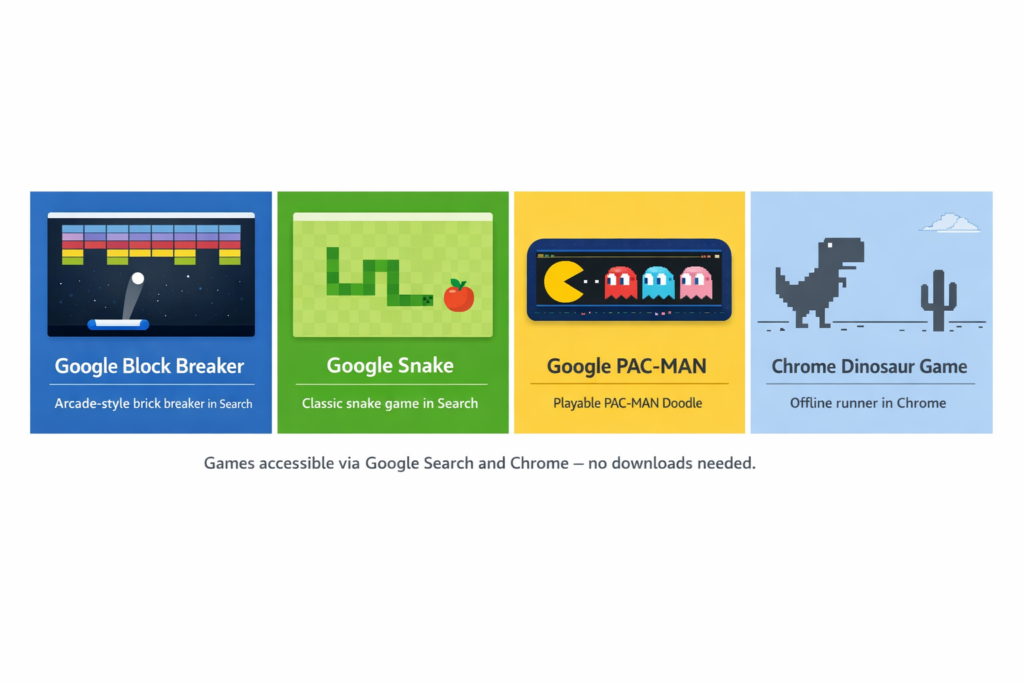
Google offers several built-in games such as Snake, Solitaire, and Minesweeper. Most are designed for casual, short-term play. Google Block Breaker stands out because it supports longer sessions and rewards mastery. It offers progression, scoring, and challenge without sacrificing accessibility.
This balance between ease of entry and depth is uncommon in browser-based games. Many games are either too simple to remain interesting or too complex to enjoy casually. Google Block Breaker manages to sit comfortably in the middle.
Frequently Asked Questions
Is Google Block Breaker free to play?
Yes, the game is completely free and contains no ads or purchases.
Do I need to download anything?
No. The game runs directly in your browser or the Google app.
Can I play on mobile?
Yes, it works smoothly on smartphones and tablets.
Does the game save progress?
Progress resets when the session ends, though temporary score data may remain.
Is this an official Google game?
Yes, it is an official Google Search Easter egg.
Final Thoughts
Google Block Breaker may seem like a small feature, but it represents something larger. It shows that even the most utilitarian platforms can create moments of joy without demanding attention or data in return. The game respects the player’s time, offers genuine challenge, and steps aside when the session ends.
In a digital landscape filled with noise, pop-ups, and endless feeds, Google Block Breaker feels refreshingly focused. It reminds us that sometimes, all you need is a paddle, a ball, and a few minutes of uninterrupted play.